Fix Inconsistent AI Video With This Storyboard Trick
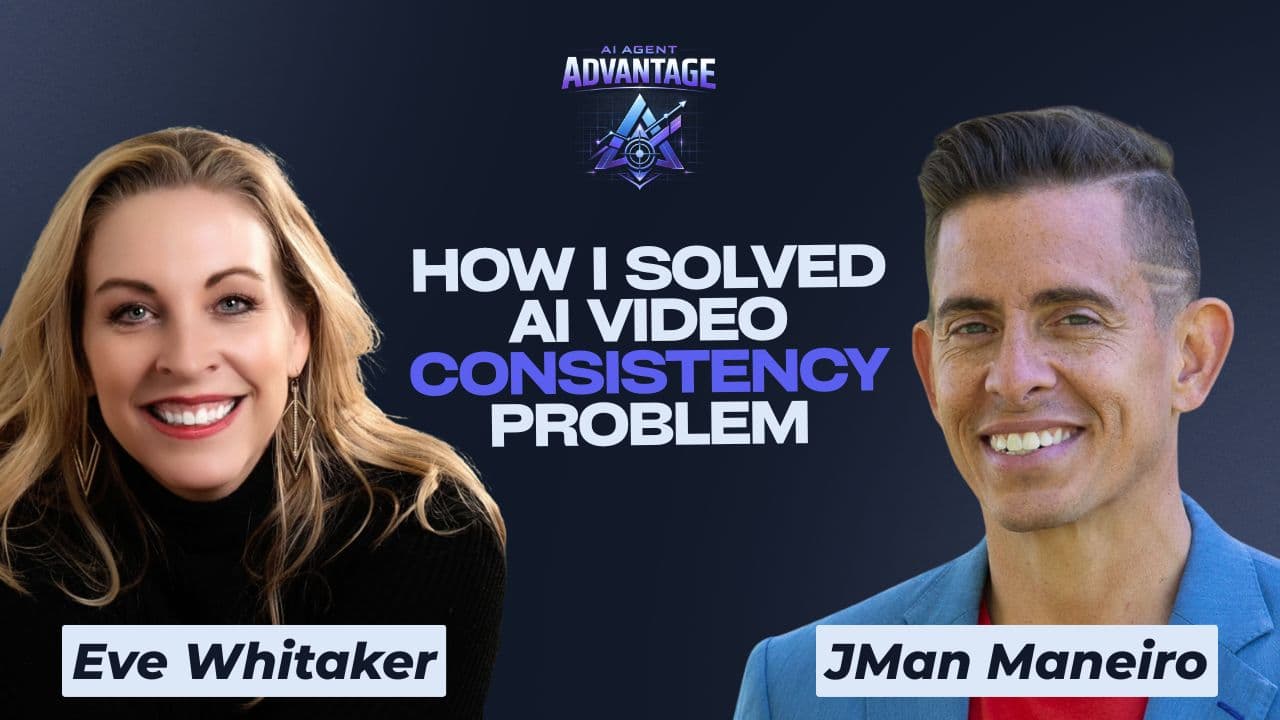
You spend an hour generating AI video clips for a listing, and by the third shot the person on screen has a different face, a different outfit, and a completely different vibe than the one before it. If that sounds familiar, you have run into what AI video circles call the consistency problem, and it is the single biggest reason AI-generated video still looks amateur instead of usable.
Eve Whitaker has spent the past two years solving exactly this problem. After 25 years producing television for MTV, Paramount, and Sony, including nine years as co-executive producer of the trend show "The List," she left the industry in 2023 to focus on AI video full time. The result is SparkSheet 360, a custom GPT built around an idea borrowed straight from television production: plan the shot before you shoot it. On Episode 11 of AI Agent Advantage, she walked JMan through the whole method.
Why AI Video Looks Amateur
Most people jump straight into a video generator, type a quick prompt, and hope for the best. The problem is that AI video tools do not inherently know what your character, product, or property should look like from one generation to the next. Ask for a real estate agent walking through a kitchen, then ask for the same agent standing on the porch, and there is a good chance you get two different people.
Whitaker traces the fix back to something television crews have always done before rolling cameras: build reference materials so everyone, human or AI, is working from the same picture. The difference now is the cost of a mistake.
"The beauty of AI is if I don't get it right, I just sit down and re-render it, and it costs me fifty cents. In the real world, we never had that luxury."
— Eve Whitaker
That gap between a fifty-cent re-render and a scrapped studio day is exactly why pre-production discipline, once reserved for network budgets, now belongs to anyone with a laptop.
Character DNA Sheets: Consistent People, Pets, and Properties
SparkSheet 360's first function is what Whitaker calls a Character DNA Sheet. Upload one image — a headshot, a pet, or the exterior of a listing — and the tool generates a reference sheet showing that subject from multiple angles: a close-up, a full body or full exterior shot, and the specific details that make it recognizable. Feed that sheet back into a video generator, and the tool has something concrete to match against instead of guessing.
It is the same logic as a continuity binder on a film set, compressed into a document an AI model can read. Whitaker built the framework after watching how much more consistent her own AI video became once she started feeding models a single, structured reference instead of a new description every time.
Storyboard Before You Generate
The second piece is storyboarding. Instead of typing a single prompt and hoping the AI understands eight creative decisions at once, SparkSheet 360 walks you through describing a scene shot by shot, the same way a television crew blocks out a script before filming. Whitaker recommends describing emotion and pacing in plain language rather than technical camera terms. Say what you want the viewer to feel, and the framework handles the rest.
The payoff is fewer wasted generations. Without a storyboard, Whitaker estimates most people get 50 to 60 percent of what they pictured in their head. With one, that number climbs to 80 or 90 percent. Every generation draws down a paid credit balance, so getting closer on the first try adds up quickly.
The Real Estate Playbook
Whitaker considers real estate one of the strongest use cases for this workflow. Agents can take a photo of an unlandscaped yard, prompt AI to show it landscaped, then storyboard a before-and-after clip complete with movement, like a dog walking across the new lawn. The same process works for staging concepts, room makeovers, or a scroll-stopping open house invite that looks nothing like a standard walkthrough video.
The consistency layer means an agent's face, a listing's exterior, or a branded look can carry across every clip in a campaign instead of resetting with every new generation. That is the difference between a one-off novelty clip and a repeatable content system.
The Beginner Mistake to Avoid
The most common mistake Whitaker sees is overloading a single prompt with too much detail. AI video models get confused when asked to track too many specific elements at once, and the result is wasted credits and frustration. Her advice: start with one character and one simple sequence — a beginning, a middle, and an end — before adding complexity.
Her low-stakes way to practice: grab any image online, even a photo of a puppy, generate a Character DNA Sheet, and build a ten to fifteen second story with a clear start and finish. Once that feels natural, layer in more detail, more characters, or a second location. And pick one AI video tool to learn deeply before adding a second one to your workflow.
Listen & Watch the Full Episode
Eve Whitaker walks through the full SparkSheet 360 workflow step by step, including a live storyboard example and a real estate specific use case, on AI Agent Advantage. Available on YouTube and all your favorite audio platforms. New episodes every Friday.
About Eve Whitaker
Eve Whitaker spent 25 years in television production, working across MTV, Paramount, and Sony before ending her broadcast career as co-executive producer of the trend show "The List." She left television in 2023 to focus on AI video and now teaches the craft through her VideoSpark community on Skool. SparkSheet 360, the tool featured in this episode, grew out of frameworks she originally built for her own client work.
Listen to this episode
Free Download
Put this AI to work in your business this week.
JMan's free starter kit for agents: listings, leads and visuals, with every prompt ready to copy.